
How to Register an Easywin Account in Nigeria
🎯 Learn how to register your Easywin account in Nigeria with clear steps, verification tips, and how to manage your betting safely. Start winning today! ₦
Edited By
James Turner
With Paystack now a household name for payments in Nigeria, understanding how to withdraw your funds swiftly and securely is vital. Whether you're a freelancer, a small business owner, or handling payments from your website, knowing the withdraw process saves you time and unnecessary stress.
Paystack connects your online payments directly to your bank, but a few steps are necessary before your money hits your account. Setting up correctly, being aware of the fees, and troubleshooting common problems can make all the difference.
In this article, we’ll break down each stage clearly, so you get your funds without delay or hassle. You'll learn:
How to link and verify your bank account on Paystack
Step-by-step withdrawal instructions
What transaction costs to expect
Troubleshooting tips for withdrawal glitches
This guide is designed for anyone in Nigeria using Paystack who wants to get their money out quickly and safely — no confusing jargon or extra fuss.
Before you can successfully withdraw funds from your Paystack account, you need to properly set it up to avoid hiccups. This setup anchors your ability to move money smoothly from your Paystack wallet to your bank account. Without going through these steps, you risk delays or failed transactions that could affect your business or personal cash flow.
Verification ensures Paystack knows who they are dealing with and protects against fraud. For businesses, you’ll typically need your CAC (Corporate Affairs Commission) registration documents, your company’s Tax Identification Number (TIN), and a valid means of identification like a driver’s licence or international passport. Individuals must upload a government-issued ID such as a national identity card, driver’s licence, or passport. These documents confirm your identity or business legitimacy and are critical before withdrawal functions become available.
Your BVN ties your bank information to your identity securely. When you link your BVN on Paystack, it reduces the chance of fraudulent activities and ensures the withdrawal goes only to your verified account. Nigerian banks insist on BVN for transactions, so failing to link it can block or delay your withdrawals. This step also aligns you with Nigeria’s Know Your Customer (KYC) requirements.
KYC compliance isn’t just bureaucratic red tape—it’s a legal requirement that helps Paystack fight fraud and money laundering. By completing KYC, you demonstrate that your account and transactions are legitimate. That way, your withdrawals clear faster without needing back-and-forth confirmations or put on hold unexpectedly. It’s a practical step that builds trust between you, your bank, and Paystack.
In your Paystack dashboard, navigate to the bank accounts section to add a new account. You must provide your bank’s name, account number, and account name as registered with your bank. Double-check these before saving. The system typically requires you to verify ownership via an OTP (one-time password) or through temporary small deposits. This process confirms you own the bank account and prevents misdirected payments.
Paystack supports most major Nigerian banks, including GTBank, Access Bank, Zenith Bank, First Bank, UBA, and lesser-known regional banks. However, some microfinance banks or foreign banks are not linked, so always check Paystack’s current list before adding your account. Using a supported bank ensures your withdrawal clears without unnecessary delays.
Typos in account numbers or mismatched names cause withdrawal failures and can stall your access to funds. Confirm your bank details exactly as they appear on your bank statement or cheque book. Paystack’s system may also reject mismatches to prevent fraud, so always take your time entering details. This care saves you from the hassle of refund procedures and supports a smooth payout experience.
Ensuring your Paystack account is correctly verified and linked to an accurate bank account saves you from unnecessary delays and security risks when withdrawing funds. Prepare your documents carefully and double-check bank details to keep your finances flowing.
Initiating a withdrawal on Paystack is the core step that moves your funds from the platform into your bank account. Without this action, your money stays locked in your Paystack wallet, unavailable for everyday use. This process combines ease and security, allowing businesses and individuals to convert their online earnings into usable cash seamlessly.
Logging into your Paystack dashboard is the first practical step for starting a withdrawal. Once you enter your user credentials on Paystack’s website or mobile app, you land on the dashboard — your command centre for all transactions. This interface gives you access to your balance, recent payments, and crucially, the option to withdraw.
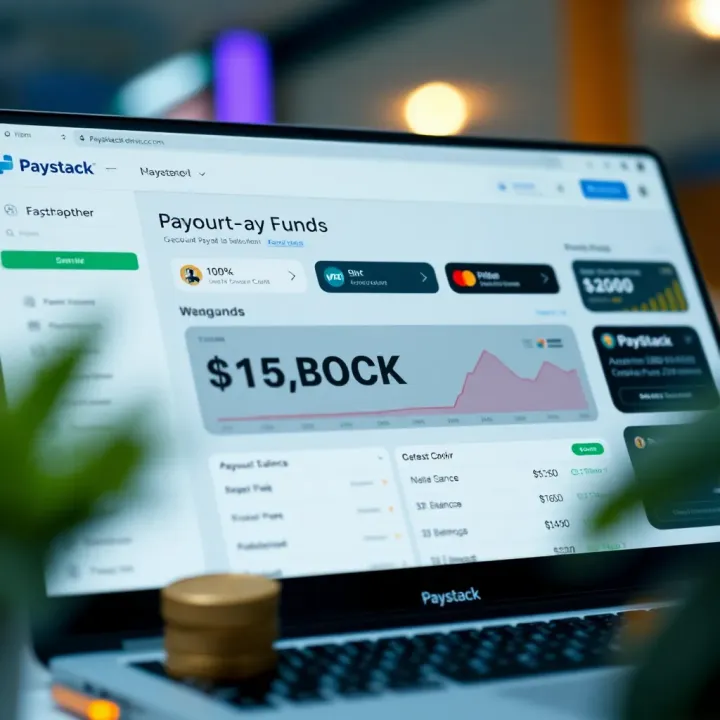
Finding the ‘Withdraw’ section on the dashboard is straightforward but essential. Typically located among the main menu options or visible as a distinct button, it directs you to where you can initiate your withdrawal requests. Paystack’s design keeps this process user-friendly, even if you’re interacting on a phone during a quick break.
When deciding on the withdrawal amount, you must respect Paystack’s minimum and maximum limits. For example, if Paystack enforces a minimum withdrawal of ₦1,000, trying to withdraw less will result in an error. Similarly, daily or monthly caps might restrict very large withdrawals. Knowing these boundaries helps you plan your cash flow effectively, especially if you run a business with regular payment turnover.
Selecting the right bank account is equally important. Paystack lets you choose from the list of linked accounts to receive your funds. This is practical if you operate multiple business or personal accounts. Make sure to pick the account you want credited to avoid confusion or delays. For instance, a freelance graphic designer might prefer their personal bank account over a business one for easier access.
Before submitting your withdrawal, review the transaction details carefully. This includes the amount, destination bank, and any fees applied. Double-checking prevents errors, like sending funds to the wrong bank account. A well-known example is a merchant accidentally withdrawing to a dormant account, which can stall fund availability.
Finalising the withdrawal typically involves clicking a confirmation button or entering a security code sent to your phone. This two-step process protects your transaction against fraud or accidental submissions, giving you control and peace of mind.
Paystack’s withdrawal processing times usually range from a few minutes to 24 hours, depending on factors like the bank’s response and the time of day. Understanding this helps you manage expectations, especially during busy ember months when banks handle more transactions.
In practice, business owners in Lagos or freelancers in Abuja who frequently withdraw funds find it useful to initiate withdrawals early in the day to avoid delays. Planning withdrawals around bank operating hours can speed up access to your money.
Knowing the fees and limits that come with withdrawing funds on Paystack is vital. It helps you plan better and avoid surprises that can affect your cash flow, especially if you handle transactions regularly. For a tech-savvy bettor or finance professional, understanding these costs ensures you keep more of your earnings rather than seeing them eat away at your revenue.
Paystack charges a fee for every withdrawal, which usually varies depending on the bank and payout method you choose. Typically, the fee ranges from ₦100 to ₦150 per transaction for manual payouts. This fee covers the cost of processing the transfer between Paystack and your bank. For example, if you're withdrawing ₦50,000 manually, expect about ₦150 deducted as fees, leaving you with ₦49,850.
Understanding these costs helps you set realistic expectations on what lands in your bank account. Businesses relying on frequent payouts should factor these charges into their financial plans to avoid cash shortfall.
Paystack offers two main payout options: automatic and manual. Auto payouts mean your funds transfer straight to your linked bank account daily, usually after settlement. Manual payouts require you to log in and initiate the withdrawal.
Auto payouts typically attract slightly lower fees or no additional fees because they are scheduled and automated, minimising manual intervention costs. Manual withdrawals may carry higher fees due to manual processing and provide more control over timing but incur extra charges.
If your business needs predictable cash flow, auto payouts are efficient and cost-effective. However, if you prefer controlling when money leaves your Paystack wallet, manual payouts give that flexibility at a marginally higher expense.
Alongside fees, daily and monthly withdrawal limits exist to protect users and comply with banking regulations. Paystack’s platform typically sets withdrawal limits based on account verification level — unverified accounts may have lower caps compared to fully verified ones.
Nigerian banks also impose their limits on incoming transfers, with daily caps that often range between ₦500,000 to ₦5 million depending on the bank and account type. For instance, GTBank and Access Bank may have different inbound transaction limits affecting your withdrawals.
Being aware of these caps is important to avoid failed transactions and plan large fund movements in batches if necessary.
If your withdrawal needs exceed default caps, Paystack allows you to apply for higher limits, usually requiring enhanced verification. This involves submitting extra documents such as proof of business address, recent utility bills, or board resolutions for companies.
Contacting Paystack support directly and providing the necessary documents can speed up approval. For businesses with heavy transaction volumes, securing higher limits can smooth cash management and avoid multiple small withdrawals that attract repeated fees.
Always double-check both Paystack and your bank’s limits before scheduling large withdrawals to prevent unnecessary delays or failed payments.
By understanding these fees and limits clearly, you take control of your Paystack funds and keep operations running without hitches or surprise deductions.
When using Paystack to withdraw funds, encountering problems such as payment delays or incorrect bank details can disrupt your cash flow and business operations. Knowing how to troubleshoot these issues quickly ensures you avoid unnecessary downtime and frustration. This section highlights practical steps to tackle common withdrawal concerns, providing you with the confidence to resolve problems effectively.
Common reasons for delays often include bank processing times, network downtime, or incorrect scheduling of payouts. For example, withdrawals requested during weekends or public holidays may only process on the next working day because banks in Nigeria typically do not clear transactions then. Also, occasional system updates or network connectivity issues on Paystack's side could slow disbursement.
Delays matter because businesses, freelancers, and individuals might depend on timely access to funds for daily expenses or operational costs. When payments stall, cash flow tightens, and urgent payments may be missed.
Steps to take when a withdrawal does not reflect involve first checking your Paystack dashboard for the transaction status. If the withdrawal shows completed but funds aren't in your bank account after 24 hours, confirm the bank account details you provided. It's useful to check with your bank for any holds or unprocessed transactions. Additionally, review your email or Paystack notifications for alerts or error messages related to the withdrawal.
If these steps don’t clear the issue, logging a ticket with Paystack support is essential. Provide them with your transaction ID, date, and error descriptions to speed up resolution.
Contacting Paystack support effectively means being clear and concise. Detail the problem without unnecessary filler, stating what happened, when, and any troubleshooting you've attempted. Use Paystack's official support channels—email or live chat for quicker feedback. Attach screenshots if possible, which can help the support team diagnose the problem faster. Avoid vague reports like "My money is missing"; instead, say "Withdrawal of ₦100,000 requested on 5 March has not reflected in my GTBank account as of 7 March." This clarity encourages faster, more precise help.
Effects of entering wrong bank info can be costly and stressful. If you submit incorrect account numbers or select a wrong bank, funds could be sent to someone else’s account or the transfer may fail outright. In Nigeria’s busy banking system, recovery of sent funds can be difficult, causing delays and potential losses.
Refund and reversal procedures depend on the destination bank and the nature of the error. Usually, if a transfer fails due to invalid details, Paystack initiates a reversal and the money returns to your Paystack wallet within a few business days. However, if funds reach a wrong recipient due to wrong bank details, the process of recovery involves contacting the bank and sometimes the recipient's consent, which could take weeks.
Being aware of these timelines helps set realistic expectations during issues.
Preventive tips to avoid errors include double-checking your bank account number before submission and confirming the bank name matches Paystack’s supported list. It’s also wise to do a small test withdrawal (for example, ₦100) first when setting up a new account. Keeping your Paystack account details updated ensures smooth transactions.
Always ensure your bank account information is accurate. A few extra seconds of verification can save you days of headache and lost funds.
By understanding these common withdrawal challenges, you can better manage your Paystack funds and avoid common pitfalls associated with fund transfer glitches in Nigeria's payment ecosystem.
Managing your Paystack funds smartly is essential for smooth business operations and financial health. If you treat your withdrawals and transaction records carelessly, you might find yourself scrambling at tax season or when you really need to review your cash flows. Nigerian freelancers, online stores, and small businesses benefit greatly from having clear control over when and how money moves from Paystack to their bank accounts.
Setting up automatic withdrawals on Paystack saves you time and reduces the chance of missing payments. You can configure your dashboard to transfer funds daily, weekly, or on a schedule that works best for your business cycle. This feature is especially useful for those who receive multiple payments daily and do not want the hassle of manually initiating withdrawals each time.
Automating payouts brings convenience and consistency. For example, a small online retailer in Lagos who schedules weekly automatic withdrawals can better predict their bank balances without having to log in and request withdrawals constantly. It helps avoid delays and reduces manual errors, plus the funds move faster, enabling timely vendor payments or inventory restocking.
Regularly reviewing your Paystack reports is key to maintaining transparent financial records. Paystack provides detailed transaction histories, including fees and payout dates, which you can easily export as CSV files. Using these reports simplifies bookkeeping and helps during audits or filing taxes with the Federal Inland Revenue Service (FIRS).
Integrating Paystack data with accounting software like QuickBooks or Sage can further enhance fund management. This integration automatically imports transaction details, cutting down on manual entry and mistakes. For a Nigerian business, linking Paystack with accounting tools means seamless reconciliation of sales, refunds, and withdrawals, saving valuable time and ensuring accuracy in financial statements.
Efficient fund management through Paystack not only ensures your money reaches your bank on time but also sharpens your financial oversight—helping you steer your business toward steady growth.
🎯 Learn how to register your Easywin account in Nigeria with clear steps, verification tips, and how to manage your betting safely. Start winning today! ₦
🎲 Register and login to Easywin Mobile hassle-free! Learn practical steps, fix access issues, and stay secure while betting on your favourite lotteries in Nigeria 🇳🇬.

Discover EasyWin Jammin Jars 🍇 and find the best Nigerian sites with secure licences, tasty bonuses, fast ₦ payouts, and smart tips for winning big safely!
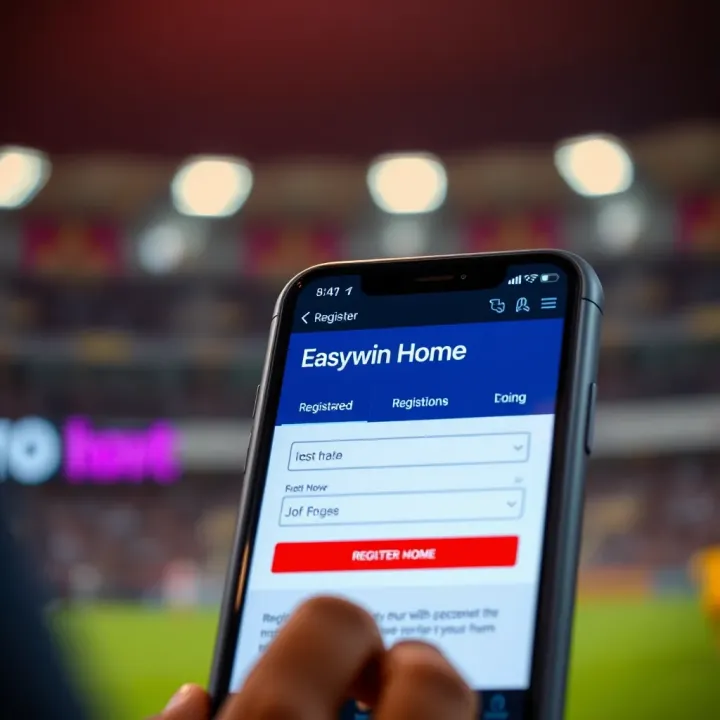
Discover Easywin Home, a trusted Nigerian betting site 🎲. Learn how to register, deposit ₦, place bets, withdraw winnings, and stay safe while enjoying local games 🇳🇬.
Based on 14 reviews